

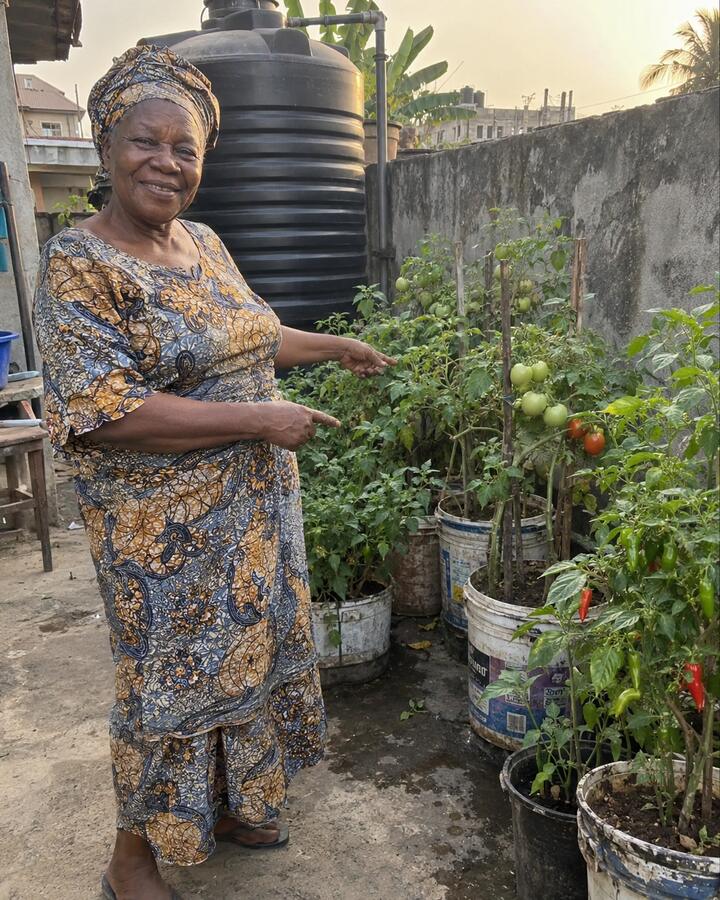
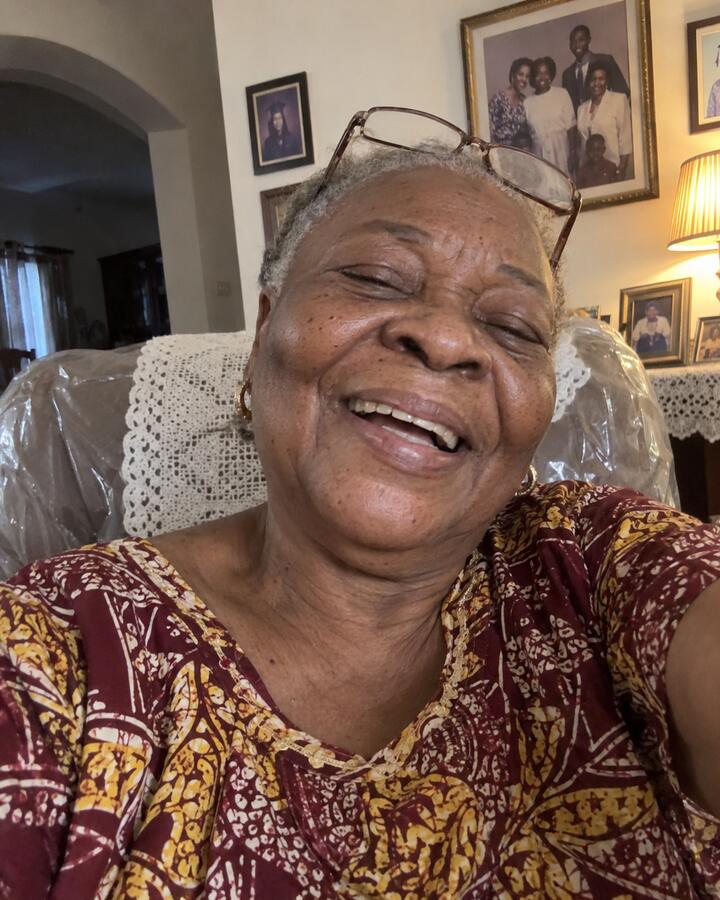
Mama AdeLagos · 5:40pm · 88°
tomatoes finally came in
 iPhone beta

Glimpsing is a private check-in for the people closest to you: your partner, your family, your best friends. Across town or across the world. Everyone shares one photo, short video or voice note, and nobody sees the others until they've shared their own.
Right now
Opposite shifts, different cities, different time zones. You text all day, but you rarely see what each other's day looks like.
Swipe along the day
Made for
Distance is one reason to use Glimpsing, not the only one. It's for anyone you want to see a little more of, whether they live down the street or six time zones away.
A private 1:1 space for just the two of you, with daily games and a Glimpse you can send by raven. For long distance, or just opposite schedules.
One check-in for the whole group, parents and grandparents included. Everyone's day in one place, and Memories that keep the year.
A 1:1, or a small group with your favorite people. Streaks that forgive a bad week, so a busy one doesn't end anything.
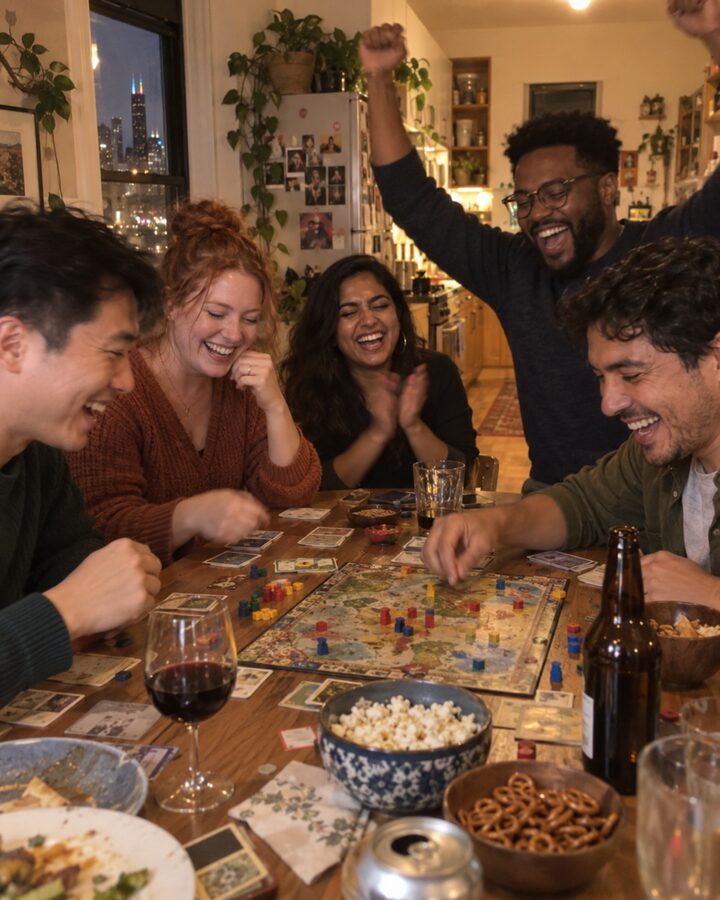
Weekly challenges, bingo and daily games, so there's always something to share and something to win.
How it works

The stamp
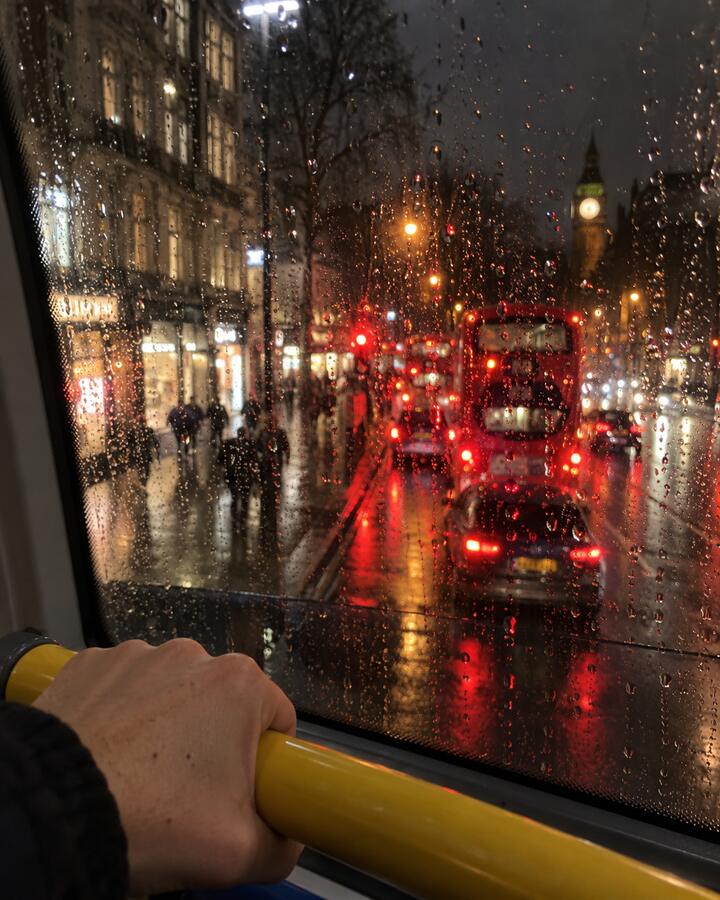
Photos taken in the app get a small stamp with the city, your local time and the weather. Tolu's mom sees 11:48pm and knows the night shift ran late again.
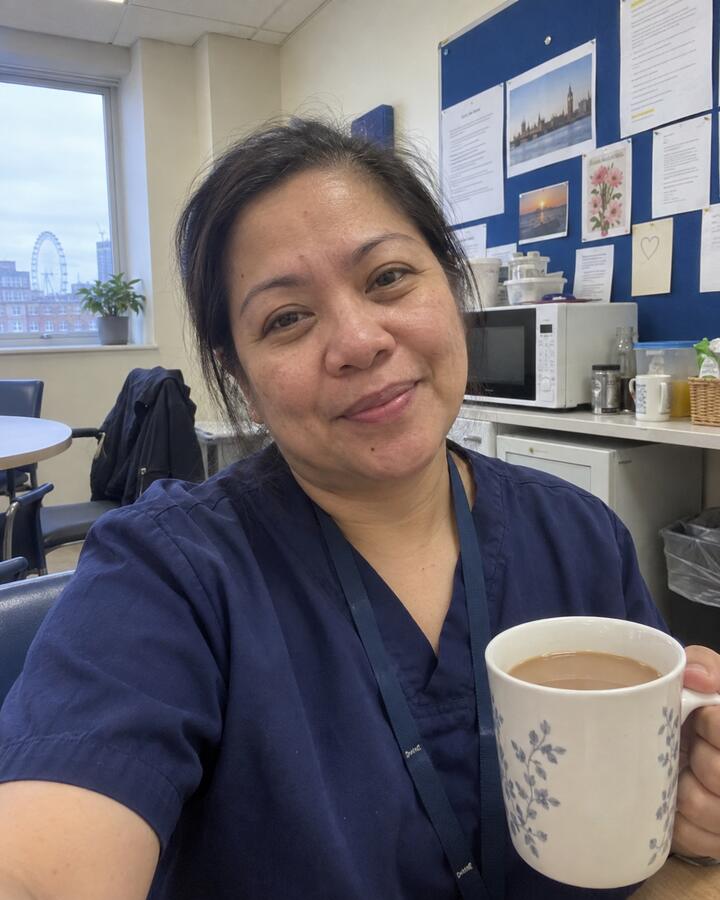
night shift done, finally
London11:48pm48°One week of Glimpses
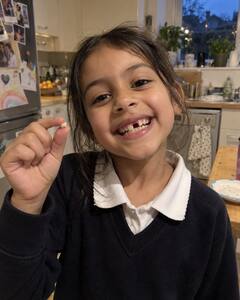
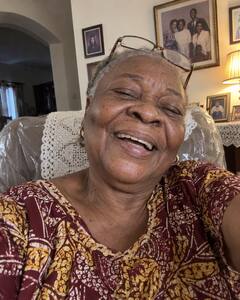
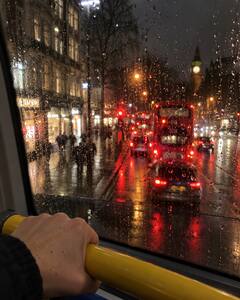
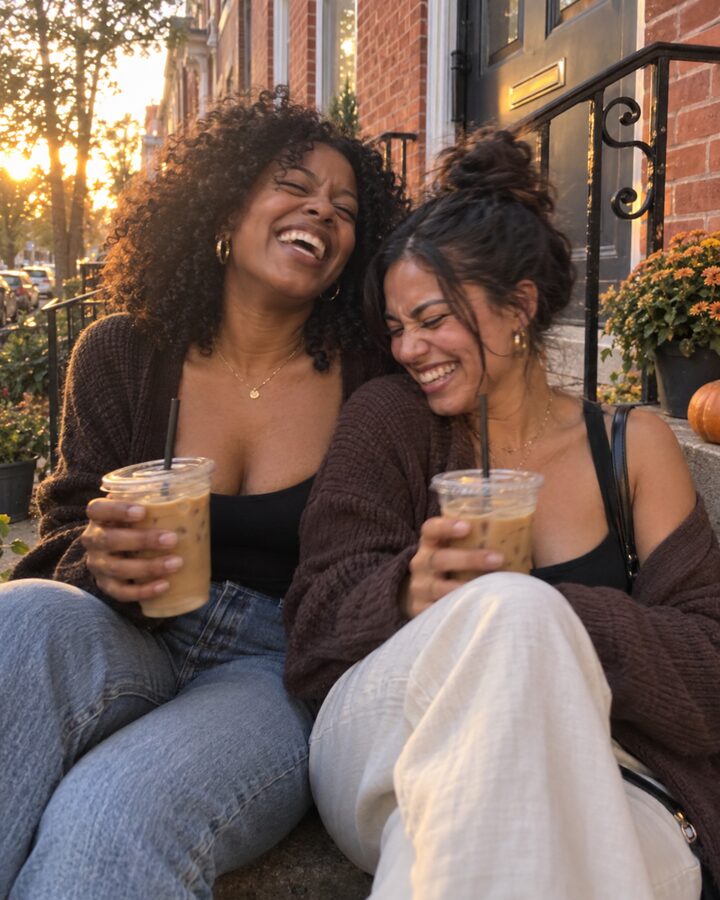
Tomatoes coming in, a lost tooth, a walk after work, coffee on the front steps. These come from different families, couples and friends. In the app, each group or 1:1 only sees its own.
tomatoes finally came in
can't sleep, listen to this
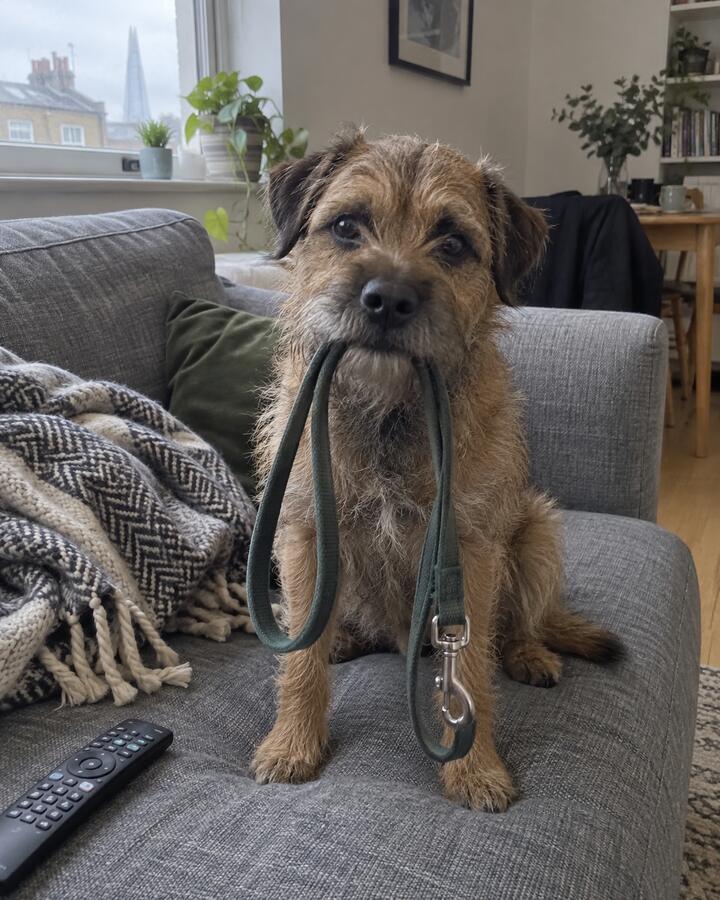
someone wants his walk
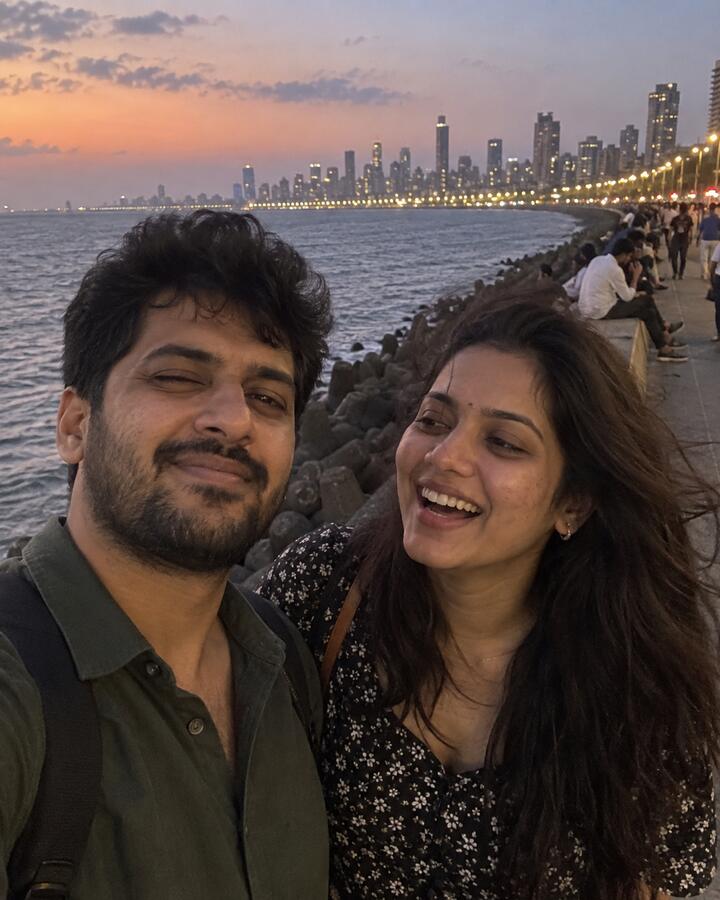
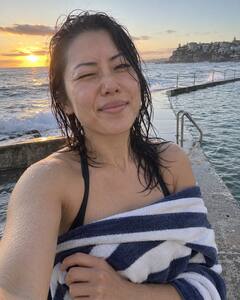
marine drive after work. wish you were here
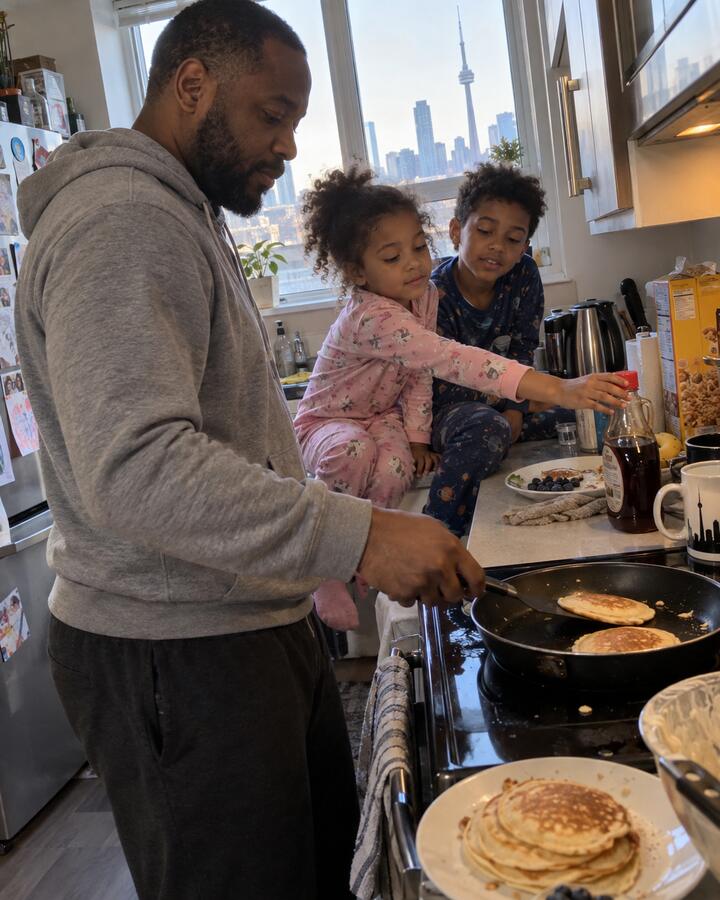
pancake sunday, as promised
same steps, 15 years later
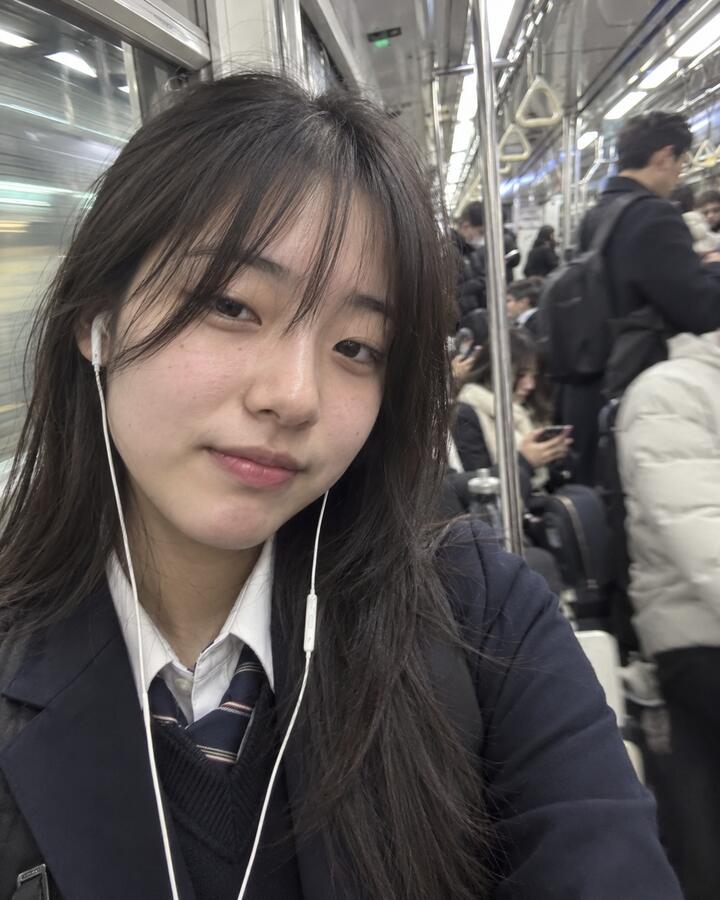
school, again
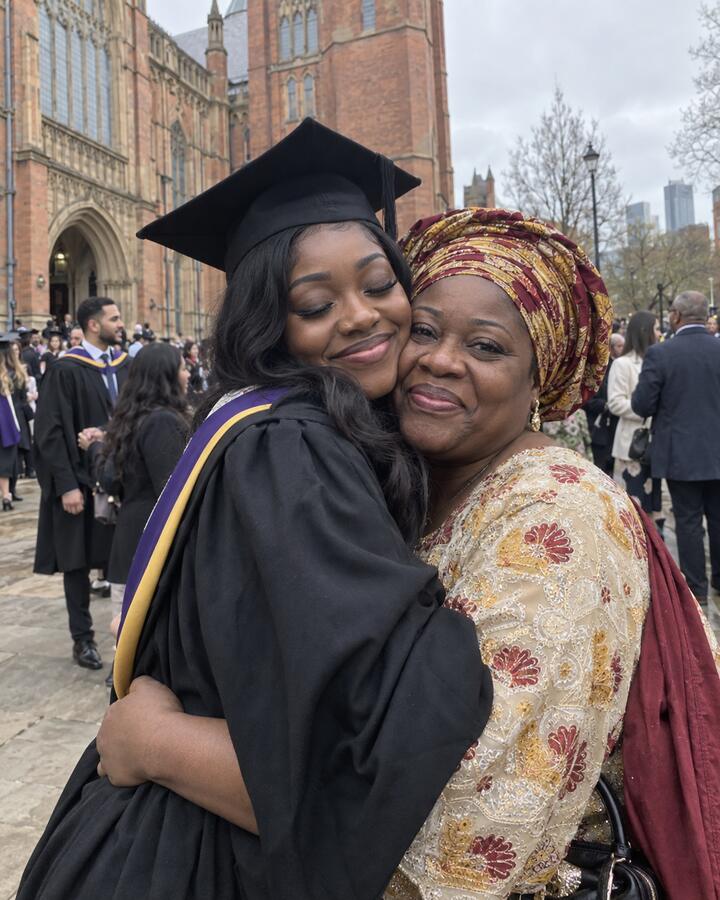
mum came all the way from Accra
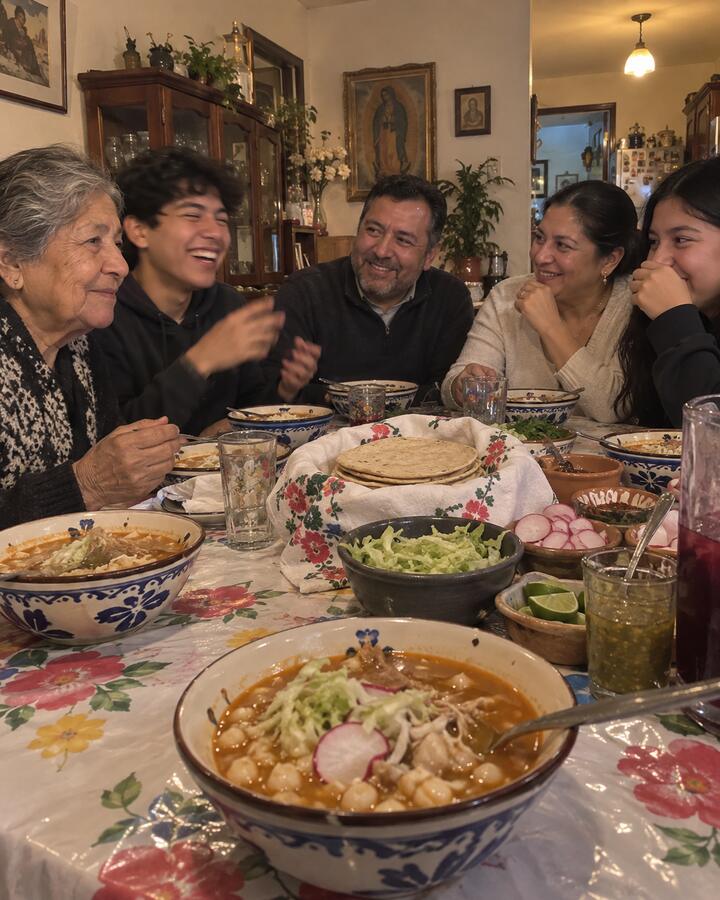
pozole at abuela's
lumpia for the party, 200 down
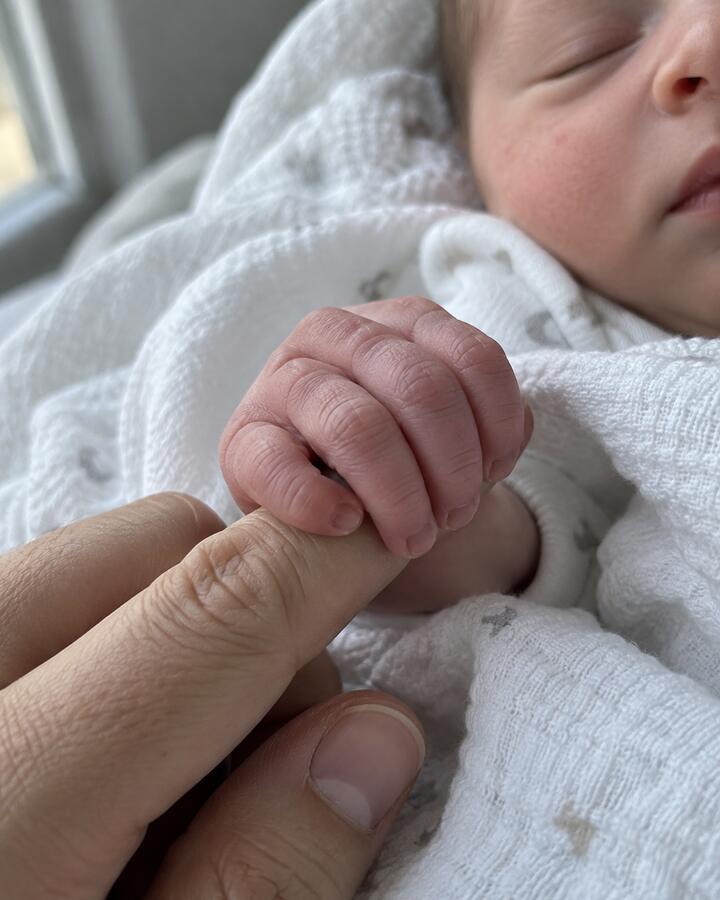
meet Ada. 3.2kg
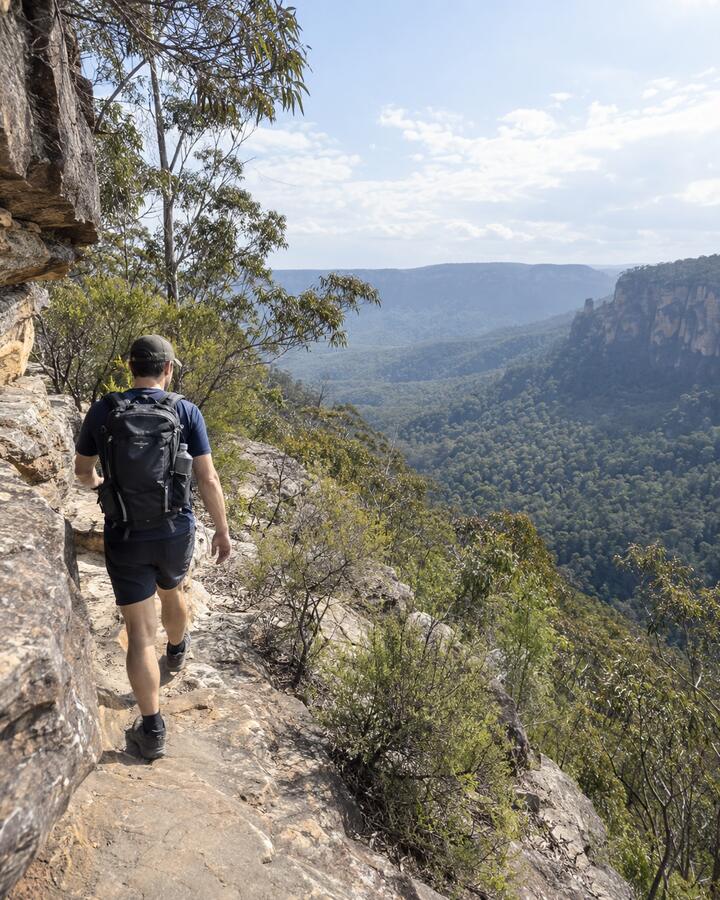
worth the climb
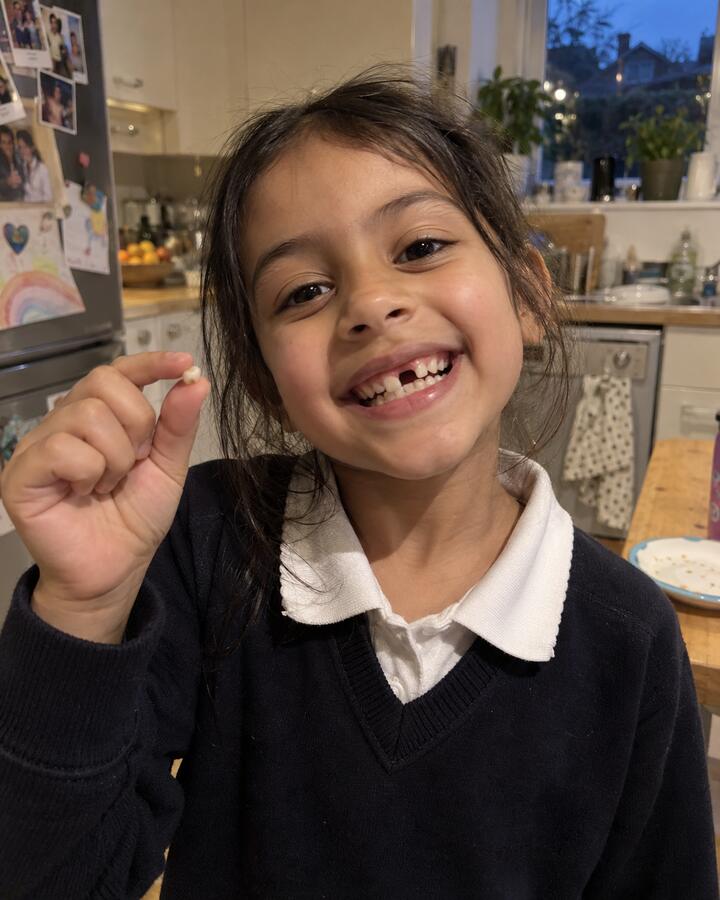
IT CAME OUT

lunch with a view
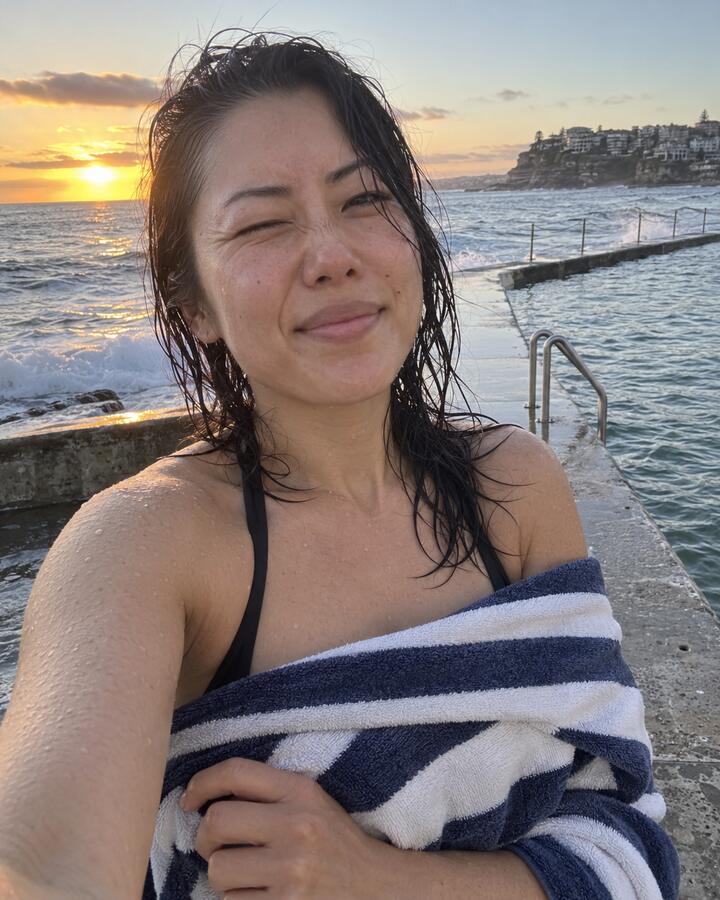
63 degrees. never again. see you tomorrow
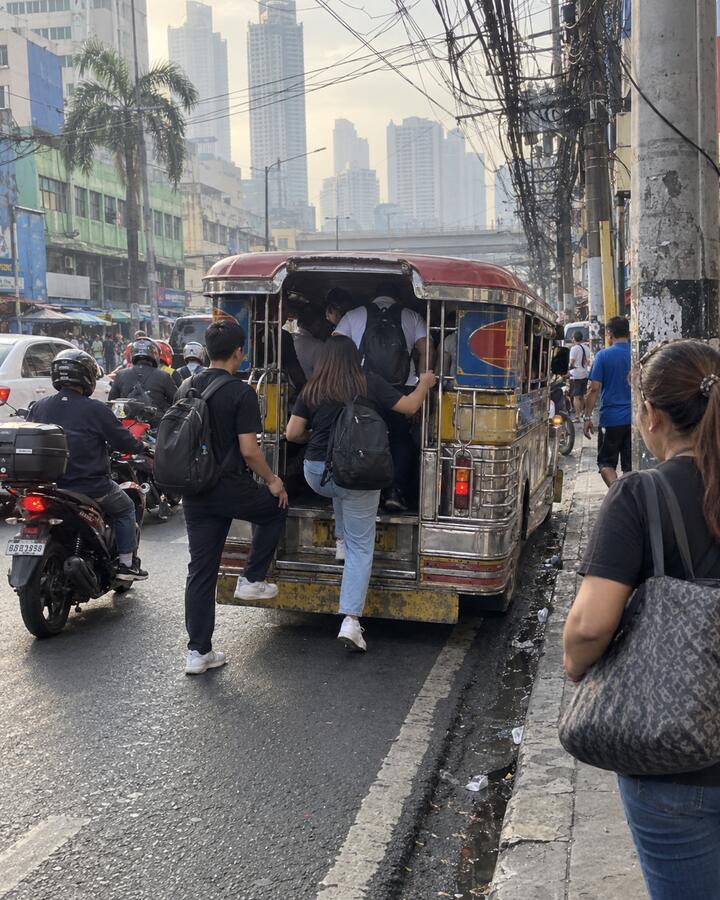
the 7:30 jeepney
Keeping it going
A streak freeze covers a missed check-in. If you miss without one, you get 48 hours to restore it. Premium comes with two freezes a month.
Pick the apps you lose time to. It uses your phone's own screen time controls, so the lock holds even when Glimpsing is closed.
Memories
The Glimpses you save, yours or your family's, go into Memories, where only you can see them. Each month you get a Wrapped, and on January 1, the whole year.
Your Glimpses from this date, back then.
Also in the app
Mom's latest Glimpse on your home screen, and how long until the next one.
A countdown on your iPhone Lock Screen until the Glimpse is due.

See who's shared and get the nudge on your wrist.
For parents, grandparents and anyone who wants it simpler: bigger buttons, every feature explained, and photos and videos from family kept. You can set it up for Mom from your own phone.
Kids can share to the family group from a profile a parent sets up.
Seal a Glimpse until a date you pick. A message for an 18th birthday, opened on the day.
A shared album for a trip, a wedding or a weekend. Live, or a disposable camera: 27 shots each (photos or videos), seen together at the end. Guests join from a QR code, and family can follow along. When it ends, open the album: play it from the start, tap a face to see theirs, or scroll it day by day.
Every stamped Glimpse lands on a private map of where you've been.
A daily Glimpse with one person, with its own streak. You and your partner, your sister, your best friend.

More ways to stay close
The check-in is the heart of it. These are the extras that make it feel like you were there.
It really flies there, at a raven's pace, so a Glimpse from Austin reaches London the next morning. Follow its journey on a live map until it lands.
Coming soon: more ways to send

A quick game every day, for the two of you or the whole group. Find out who really knows who.
A bingo card of little moments to spot, and a weekly challenge: share during the week, vote on Saturday, see who won on Sunday night.
React to any photo or video with your face in a bubble, green screen or split screen.
Send a YouTube video or a post as a Glimpse, or react to it with your face in a bubble while it plays.
Answer with a voice note or a video, or react with stickers and sounds. In a group, everyone sees the reactions and can reply too.
Share a blurred preview to your usual chats and stories. Only the people the Glimpse was sent to can open it.
Miss someone's face? In any chat, ask one person or everyone: "Show me your room." They get a nudge, and their answer goes to the whole chat and counts as their check-in.
Once everyone has checked in, the chat shows each person's first Glimpse side by side, all round long. Every one is saved in Memories, under Collages.
Up to a minute, and you hear it back before you send. In a meeting? Tap Show text to read it. We'll remind you before your Glimpse goes if one is waiting for an answer.
The Vault
A locked safe in the app for any photo or video you want kept out of sight: from your camera roll, or Glimpses you've shared. Everything is encrypted on your phone before it's uploaded, with a key only your phones have. We store it, but we can't see it.
Each photo and video is locked with its own key (AES-256) before it leaves your phone. Our servers only ever hold scrambled files.
Turn it on a dial like a real safe, or type it on a keypad. Wrong tries make you wait.
Move photos and videos in, then delete the copies left in Photos in one tap.
Your 12-word recovery phrase opens it on a new phone. Nobody else has it, so keep it safe.
It opens a decoy Vault with photos and videos you picked, or quietly empties the real one. Either way it looks just like a normal unlock.
Privacy
A Glimpse goes to the groups you pick. Nobody else can find it.
Premium pays for Glimpsing. There are no ads in the app.
No profiles to browse and no follower counts. You join a group by invite.
Photos, videos and voice notes sit in private storage and open through links that expire.
Only you can see your Memories, including Glimpses you saved from others.
Export everything or delete your account from settings. Read the privacy policy.
Pricing
Premium is for daily Glimpses, Strict Mode and more groups. It starts with a 7-day free trial.
For one group.
About $2.92 a month, billed yearly.
7-day free trialPrices in US dollars. The App Store and Google Play show the price in your currency. Cancel any time in your phone's subscription settings.
Now. Tap the App Store or Google Play badge at the top of this page or at the bottom.
Yes. Glimpsing is out now on Google Play, and on iPhone too. The two work together, so a group can mix both.
No. Plenty of people use it with someone across town: a partner on the opposite shift, a best friend with a new baby, a family that's busy all week. Distance is one reason to use Glimpsing, not the only one.
Yes. A 1:1 is a private space for just the two of you, with its own streak, daily games and Glimpses you can send by raven.
No. Share a Glimpse of your day to see theirs: that’s the one rule, so everyone shares on the same day.
They leave the group feed. The ones you saved, yours or other people's, stay in your Memories, which only you can see. Want everything you share kept? Turn on Save my Glimpses automatically in Privacy.
No. A group can have up to 4 members on the free plan. Premium members can join even when those free spots are taken, and Premium unlocks daily or custom schedules.
Yes. Simple mode gives bigger buttons, plain words and picture steps for every feature, and keeps the photos and videos family sends. It turns on for anyone who says they're 50 or older, and anyone can switch it on or off in settings. You can also set Glimpsing up for Mom from your own phone: send her a link, and nothing is shared until you confirm it's her. If she wants, you can then help with her text size and settings, and she sees every change.
You choose apps to lock, and your phone keeps them locked until you've shared. It needs Premium, plus Screen Time permission on iPhone or usage access on Android.
Only the people in the group, 1:1 or event you sent it to. In an event, you can also choose followers from your own groups, and they see only your photos and videos. There's no public profile and no feed outside your groups. The privacy policy has the details.
In a group, everyone in it. They can hear your voice notes and reply to them. In a 1:1, it's just the two of you.
Yes. In any chat, tap Ask for a Glimpse, type what you'd like to see or pick an idea like "Your face right now," and ask one person or everyone. They get a notification, and the camera opens with your ask on screen. Their answer goes to the whole chat with a "Reply to" sticker on it and counts as their check-in. An ask closes after 24 hours.
It becomes an album. Tap See the album to play the whole thing, see who was there (tap a face for their photos and videos), show only photos or only videos, and scroll it day by day.
Download Glimpsing, start a group and send the first Glimpse tonight.
iPhone beta